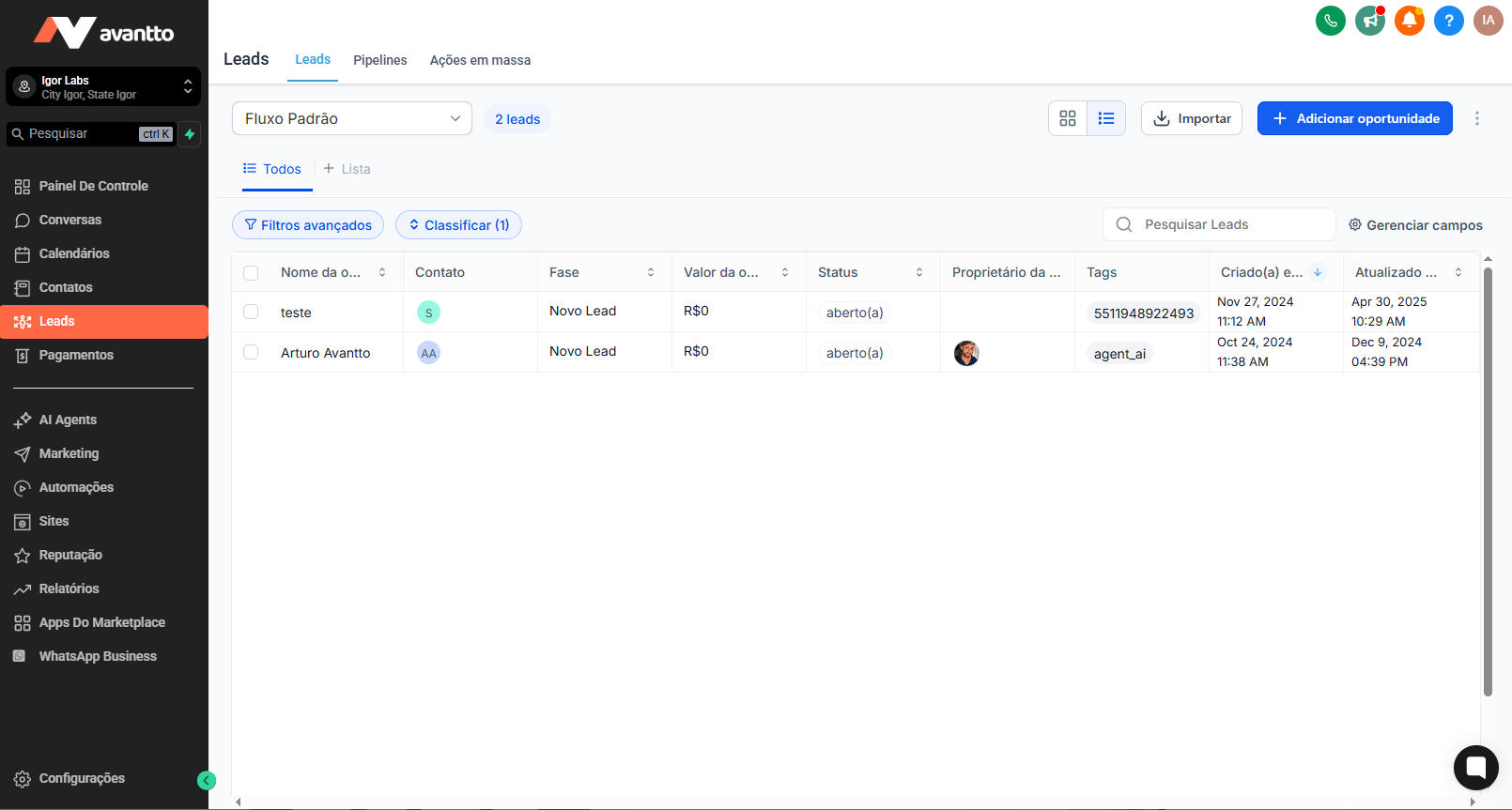
Step 1: Navigate to Opportunities/Leads > List View.
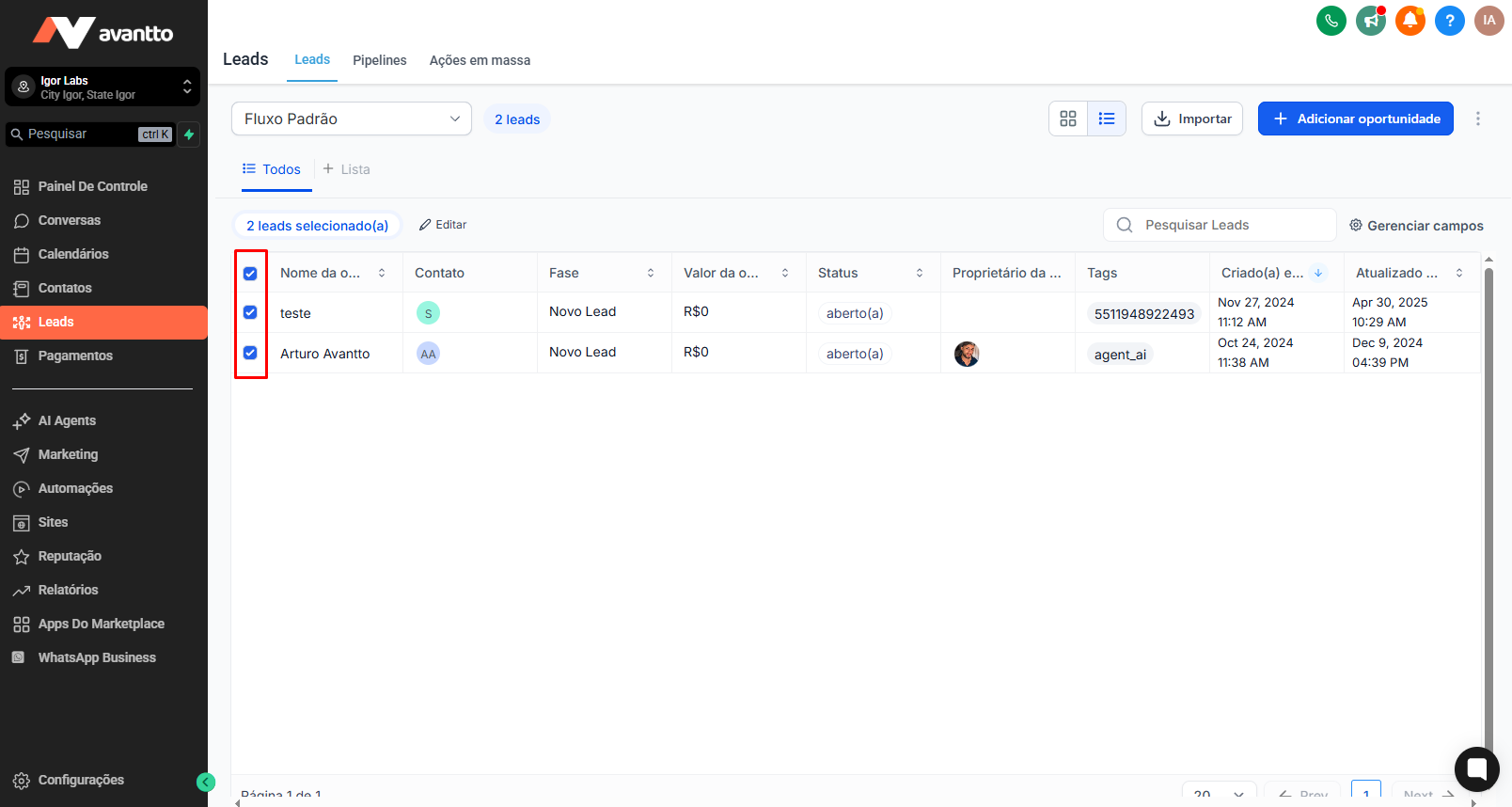
Choose multiple opportunities that you wish to edit and click on the Edit button at the top.
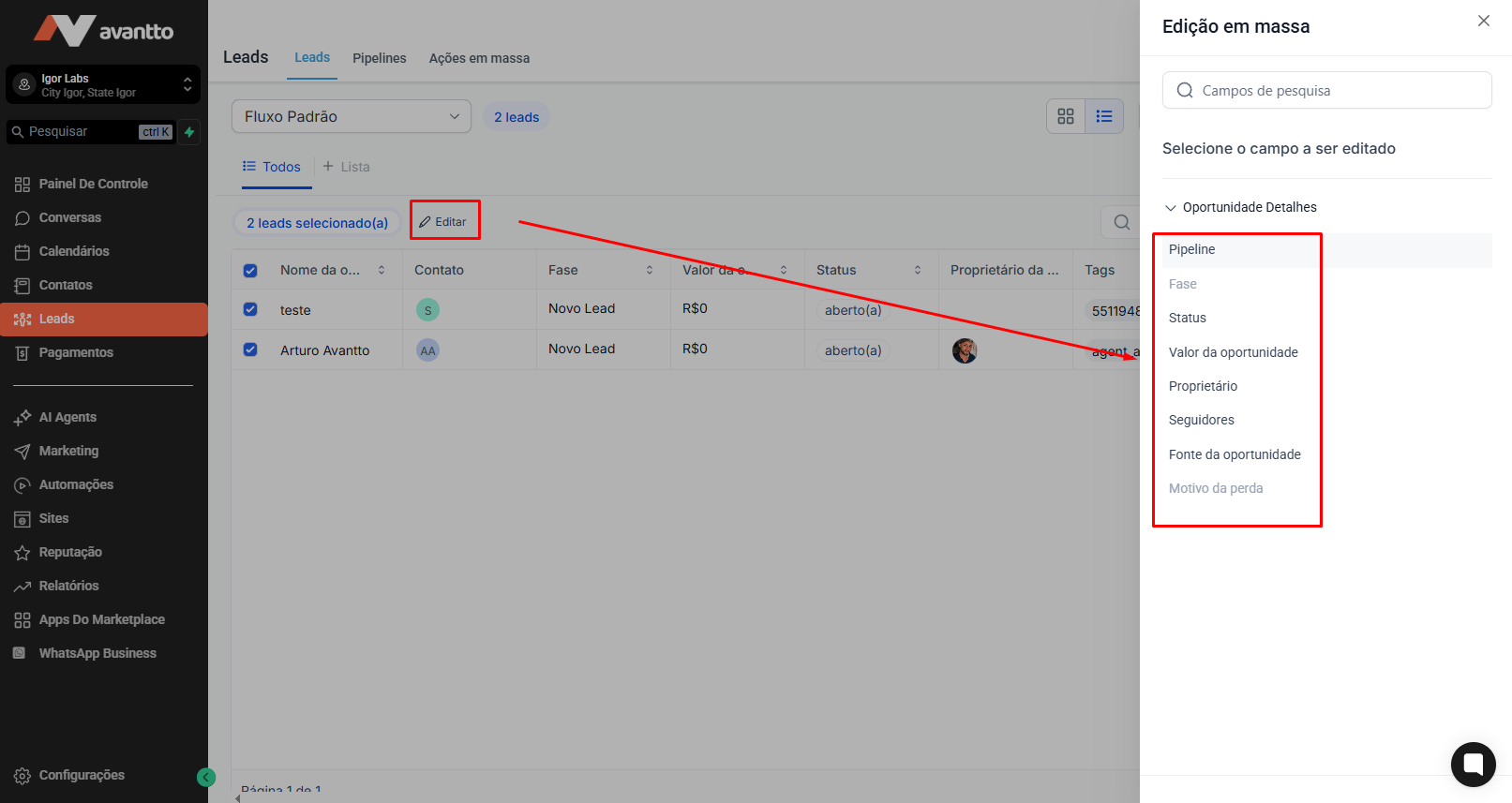
Select the fields you want to update and enter the new information
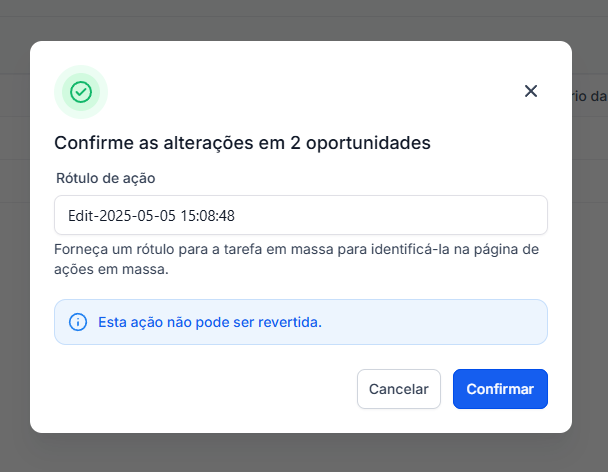
Click on Confirm to apply your changes.
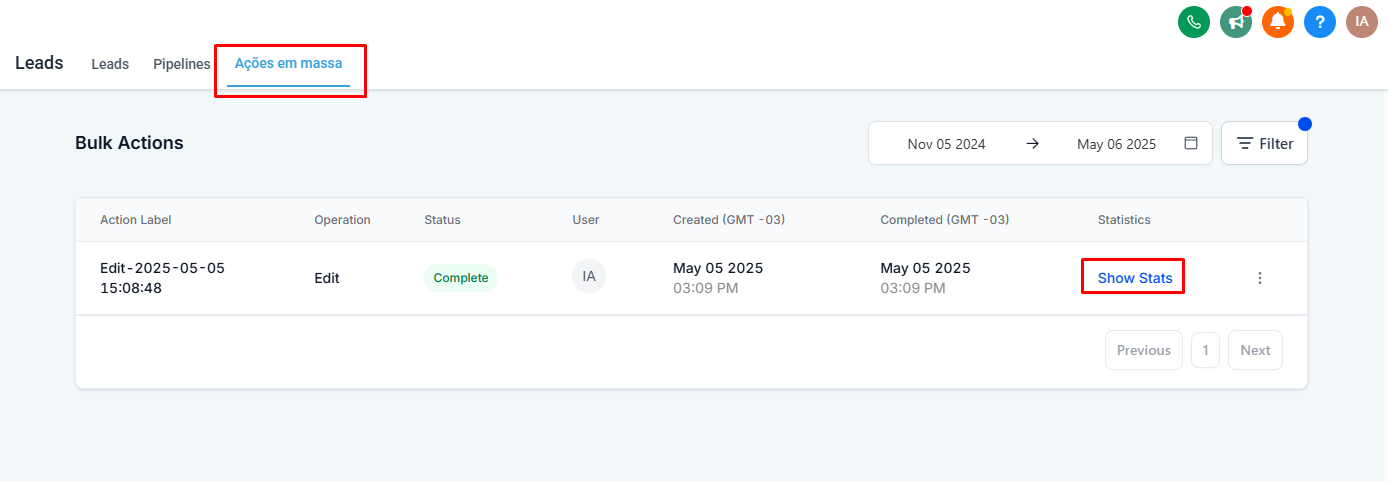
Head over to the Bulk Actions page to monitor the progress, review successes, and identify any errors.