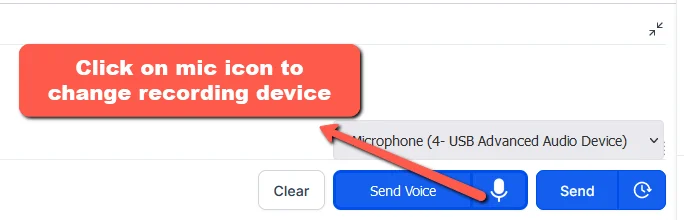
Step 1. Go to the conversation and click on the send voice button:

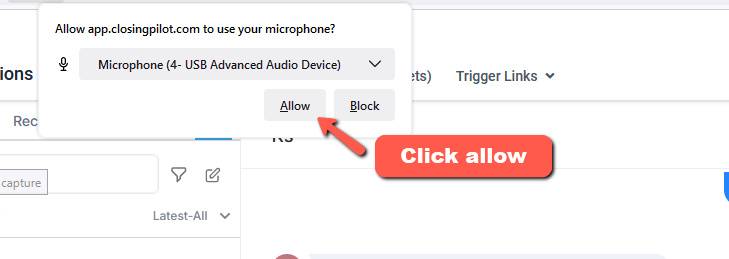
Step 2. The first time you use the voice button, click “Allow” to grant permission to use the microphone:
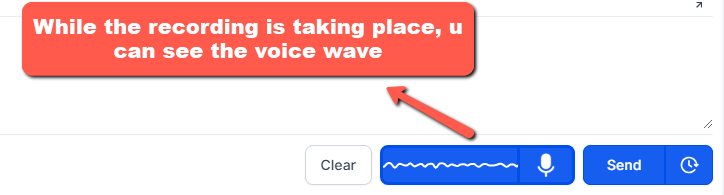
Step 3. While the recording is taking place, you can see the voice wave:
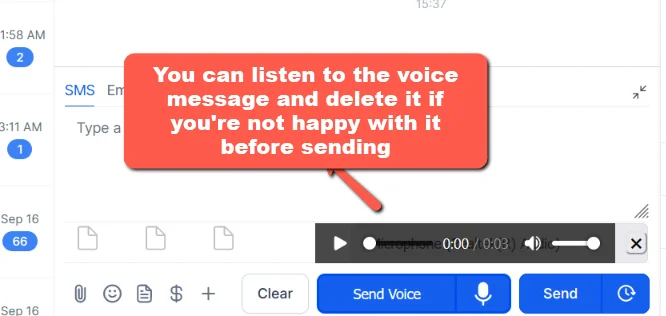
Step 4. Once recording is done, click on the wave button again, then you can listen to the voice before sending. You can remove the voice if you want to record again, or send it by clicking send button:
Step 5. If your voice isn’t recording properly, you may need to change the microphone device. Click on the microphone icon to select a different device.