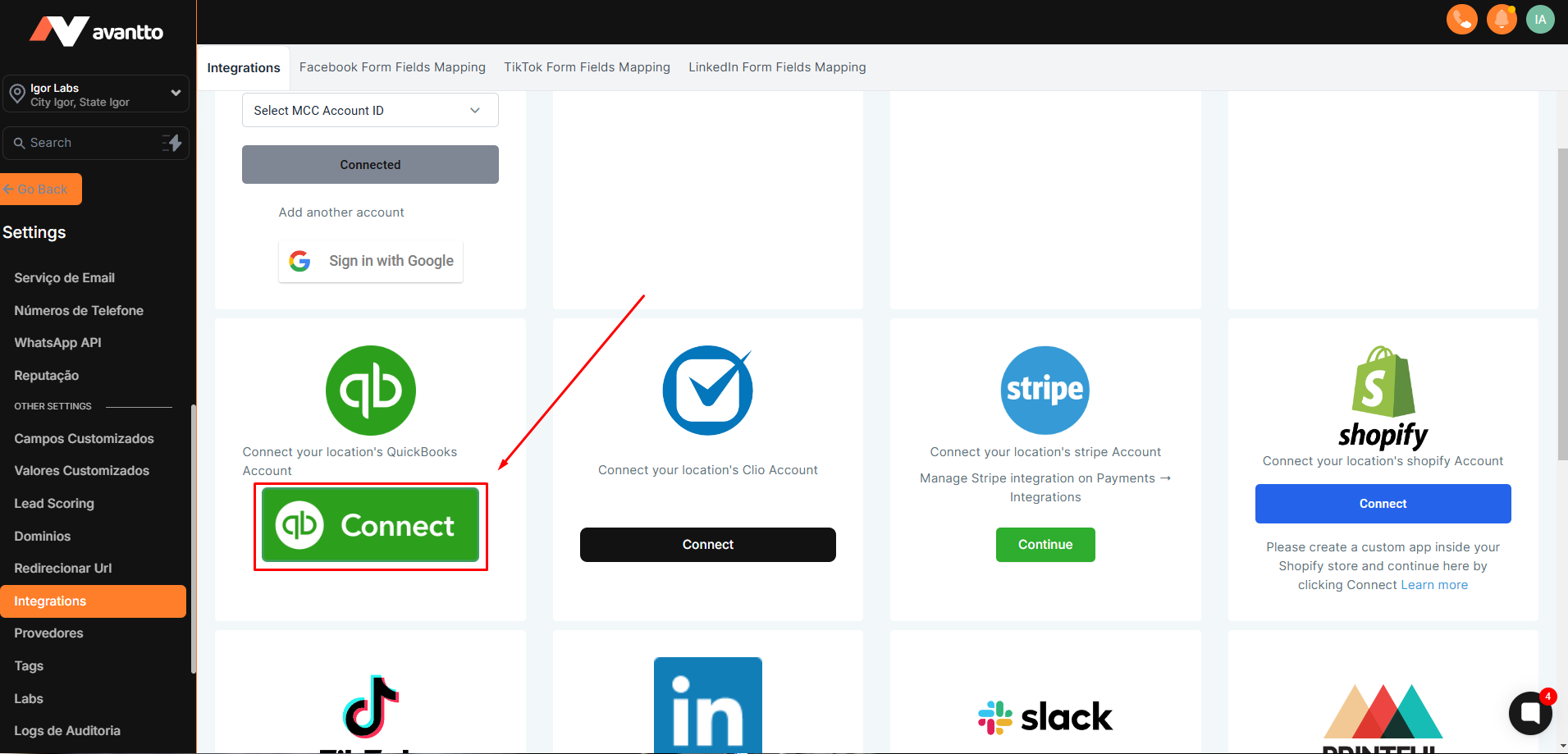
Syncs all contacts that are created in QuickBooks already along with any new contacts created after the integration
Sends Review Request upon QuickBooks payment in Avantto without any automation (only on the first invoice)
Automatically register sales receipts inside Quickbooks whenever a payment is made inside Avantto for order forms, subscription payments, membership checkouts, and calendar payments
Automatically create an invoice inside Quickbooks as soon as an invoice is marked as sent inside Avantto. This will also sync any updates made afterward inside Avantto and mark it is paid inside QBO as soon as it is paid inside Avantto.
Auto creation of sales receipts
This is applicable for any payment processed via order forms, calendars, or subsequent subscription payments as well
If a customer exists inside QBO with the same email id with which the transaction is processed, we will update the sales receipt corresponding to the same customer inside QB
If the customer is not present, we will create a new customer against the email id with which the transaction is processed
One-way invoice sync from Avantto to QBO
This will create a replica of the sent invoice, along with the total amount (including taxes and discounts) on QBO for frictionless accounting sync
Any updates made on the invoice inside Avantto will be updated on QBO. This will include any invoice status change transitions inside Avantto, such as the invoice is paid by the customer, or invoice is voided on Avantto or any further discount is added upon customer request
This will not sync existing invoices already created within Avantto. Only new invoices created from now on will get synced inside QBO
If a customer exists inside QBO with the same email id with which the transaction is processed, we will update the sales receipt corresponding to the same customer inside QB
If the customer is not present, we will create a new customer against the email ID with which the transaction is processed
Please Note:
- Once the integration has been established all leads will be added as contacts to your location. It may take up to 5 mins before you see the contact in the CRM
- This includes any existing contacts on QBO along with the new contacts added after the integration.